
Apache Junction Warrant Checks
Start with the paperwork. The citation or notice should name the issuing agency, the court, the case number, and the date, and that tells you where to call. A city case belongs to the Apache Junction Municipal Court, 300 E Superstition Boulevard, Building G, Apache Junction, AZ 85119, phone 480-982-8250, open Monday through Thursday, 7:30 a.m. to 5:30 p.m. A PCSO or DPS citation instead goes to Apache Junction Justice Court at 575 N Idaho Road, 480-982-2921.
- Identify the court printed on the document.
- Ask that court for the current docket and warrant status.
- Check Arizona Public Access for visible case events.
- Use the AZDPS Warrant Search as an incomplete statewide cross-check.
- Use PCSO Records for sheriff-held records or Adult Detention after a booking.
An empty online result does not prove that no Apache Junction warrant exists. Confirm with the issuing court.
Apache Junction Warrant Court Split
One town, two doors. A city citation belongs to Municipal Court, while a misdemeanor or traffic case written by PCSO or Arizona DPS goes to Apache Junction Justice Court. The counters sit at different addresses, run different calendars, and hold different authority. Ask the wrong one about an Apache Junction warrant and you may hear nothing useful, even when a case exists. So check the badge agency and court printed on the ticket before dialing. Municipal Court alone can act on its own warrants, motions, walk-in settings, bonds, and recalls. Justice Court alone controls the county or DPS case. Neither can touch the other's docket.
Policing and Courts in Apache Junction
Apache Junction Police investigate, make arrests, and serve warrants. The docket stays with Municipal Court. That court records issuance, appearances, bond, recalls, and quashes for city cases. A police incident report will not settle current court status, and the department posts no public warrant roster. Call Apache Junction Municipal Court for that answer.
Apache Junction Municipal Court
300 E Superstition Boulevard, Building G
Apache Junction, AZ 85119
480-982-8250
Monday–Thursday, 7:30 a.m.–5:30 p.m.
PCSO Records
Online GovTransfer or in-person requests for sheriff-held records.
520-866-5193
Pinal Adult Detention answers custody, bond, and court-date questions after booking. Reach it at 520-509-7957. It is no substitute for a warrant search.
Apache Junction Personal ID Check
Want to know if a warrant carries your name in Apache Junction? The city warrant FAQ explains the ground rules. Police will not quote warrant details over the phone, since they have no way to confirm who is calling. Instead, bring photo identification to the Police Department at 1001 N Idaho Road. The non-emergency line is 480-982-8260. Questions about police records go to 480-474-5445.
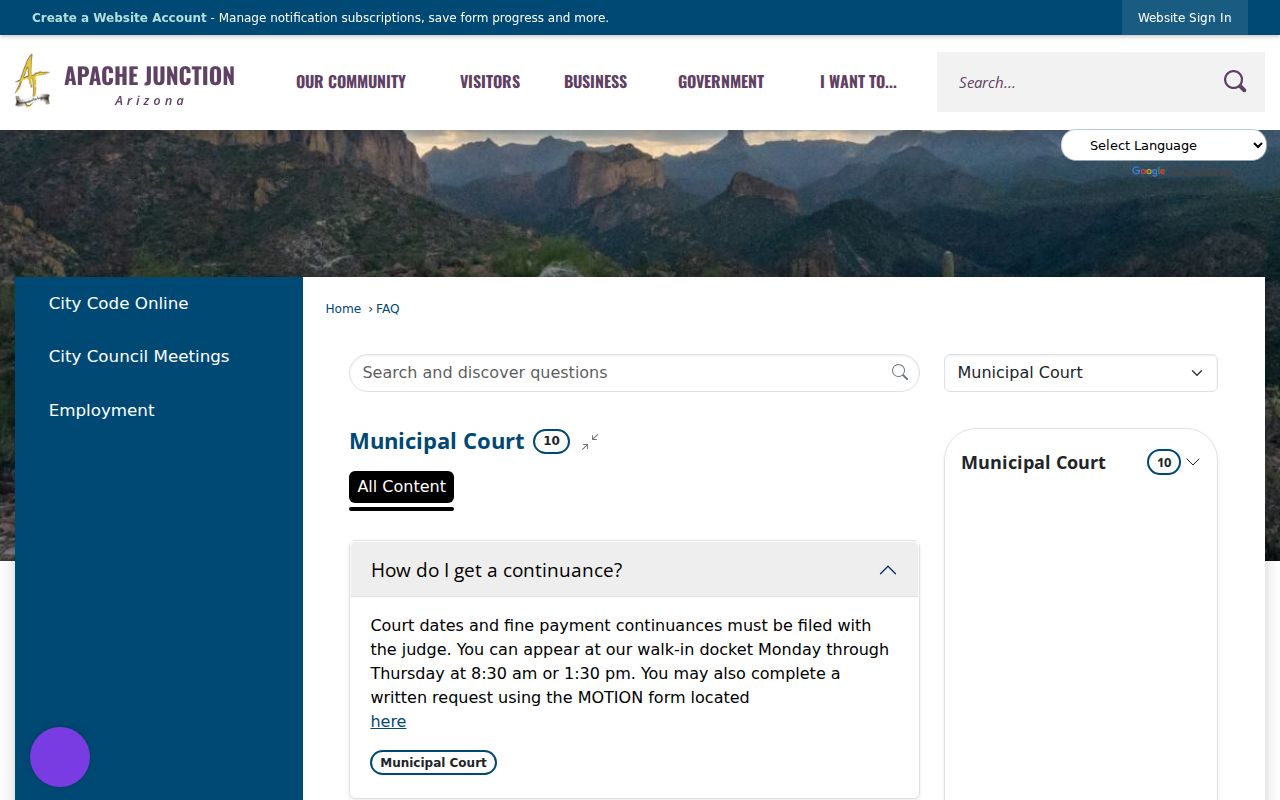
This route protects identity, so it yields no public roster or private phone answer. Police can explain their own process, but only the issuing court can confirm a current docket or recall a warrant in Apache Junction.
Warrants in Apache Junction: The Main Types
"Apache Junction warrant" can mean several different documents, and the issuing court holds both the record and the next step.
| Type | Local setting | Confirm with |
|---|---|---|
| Bench warrant | A required appearance or obligation was missed. | The court owning the case |
| Arrest warrant | A magistrate found the required basis for arrest. | Municipal, Justice, or Superior Court |
| Criminal traffic warrant | A criminal traffic defendant failed to appear or comply. | The court on the citation |
| Search warrant | A judge authorized a search on the required showing. | The relevant case court when public |
Arizona courts use the terms bench warrant, arrest warrant, and failure to appear. "Capias pro fine" is not the standard Pinal phrase. Treat a civil traffic default as a default, not a warrant, unless the Apache Junction docket itself shows one issued.
Apache Junction Walk-In Sessions
The Municipal Court criminal page lets you file a motion online, in person, or by mail ahead of a court date. It also posts walk-in criminal and traffic-misdemeanor sessions Monday through Thursday at 1:30 p.m. or 4 p.m., calendar permitting. Mail works too for eligible guilty or no-contest pleas. Skip an arraignment and a warrant may follow, while a civil charge instead heads toward default judgment. Apache Junction's fee schedule adds a $75 administrative fee whenever a municipal warrant issues for failure to pay or comply, plus a $50 civil-traffic default fee. Those are city fees only; they never apply to Justice Court cases. Call ahead to confirm the session and the current status of your Apache Junction matter before you appear.
Apache Junction Warrant Records: What They Show
Read the court, the case number, the identity fields, and each status event as one picture in Apache Junction warrant records. A shared name alone proves nothing.
| Case or warrant number | An identifier such as M-TR-CASE-NUMBER; use the exact court number. |
|---|---|
| Name and birth date | Fields that narrow a match but may not conclusively identify a person. |
| Charge | The allegation associated with the case, not proof of guilt. |
| Issuing court | The authority that confirms and changes status. |
| Docket event | Issuance, failure to appear, return, recall, or quash when public. |
| Bond or payment | An ordered amount or condition that must be confirmed. |
Recall or quash means the court withdrew the warrant. An old issuance entry can still sit in the file after a later order changed its status, so follow the events in order when reading Apache Junction records.
Reading Statewide Apache Junction Results
AZDPS demands a first name, last name, and date of birth, and it caps the reply at five results. The state warns its data is not real-time, current, active, or complete. Duplicate-looking entries do not always mean multiple Apache Junction warrants. Call the listed court to be sure.
- Active
- Shown as available for execution, subject to court confirmation.
- Recalled or quashed
- A court withdrew the warrant; obtain the current entry.
- Failure to appear
- A missed required appearance with consequences determined by the case.
- Sealed
- Withheld from ordinary public access.
Some Apache Junction results will be incomplete. Sealed, juvenile, federal, tribal, out-of-state, and brand-new cases often stay off a warrant search, and Arizona Public Access adds docket context without promising full coverage.
Apache Junction Warrants and Pinal County
Warrant flow: Apache Junction Municipal Court and Police › appropriate Pinal County court or Sheriff channel › Arizona statewide systems.
An Apache Junction warrant stays a city-court matter even though any Arizona peace officer can serve it statewide. County citations, meanwhile, may fall to one of six Justice Court precincts. Felonies sit with the Superior Court of Arizona in Pinal County and its Clerk, and the Pinal County warrant records overview along with the county warrant check walk through those wider routes. Pinal County's sheriff posts no verified public roster of active PCSO warrants. PCSO Records and AZDPS work as fallbacks only, never as substitutes for the issuing municipal court.
Resolve an Apache Junction Warrant
Once the Apache Junction court confirms the warrant, ask which procedure applies before you send money or show up. The court may want a motion, a scheduled appearance, bond, payment, or counsel. Staff explain forms and calendars, not strategy. A lawyer can advise you on surrender, bond, and a request to recall or quash the warrant.
Do not treat payment or disappearance from an online result as proof that a Apache Junction warrant was cleared. Obtain issuing-court confirmation.
Hold on to every citation, receipt, minute entry, and new hearing notice. If you are booked, Adult Detention answers custody questions while the Apache Junction court still runs the case.
Accessing Apache Junction Warrant Records
Arizona keeps most records open to the public. Sealed, juvenile, confidential, and protected material can still be withheld or redacted. Route each request to the right office in Apache Junction. Docket requests go to Apache Junction Municipal Court, police reports to the law-enforcement custodian, and Superior Court files to the Clerk of the Superior Court.
Key access rules:
Arizona Public Records Act, A.R.S. § 39-121 states the general public-record inspection principle.
A.R.S. § 8-208 limits juvenile-record access.
Court-access rules can impose limits beyond an ordinary administrative-record request.
The court that issued the warrant is the authoritative source for current status.
Apache Junction Request Checklist
Gather the details first. Pull together the exact case name, date of birth, citation or case number, issuing agency, appearance date, and the document you want. Know what you are really asking for, since warrant status, copies, police reports, and custody checks are separate services. For copies, give a date range and name the exact order or docket entry. Call ahead in Apache Junction about hours, security, delivery, and payment before you visit or submit. Afterward, ask which docket event will show a recall or resolution, and when it should post. Current official instructions from each office control.
Confirming a Apache Junction Warrant Match
A name alone proves little. Build a reliable match by checking the date of birth, court, case number, charge description, and event dates against the document in hand. AZDPS cautions that similar names and birth dates can return more than one hit, and duplicate display variations do not always mean multiple warrants exist. Never merge separate results or assume a record belongs to the person you are checking. Hand the listed court the result details and have staff pull the official case. Once located, ask three distinct questions: did the court issue a warrant, is it still subject to execution, and what docket event would change that status. The answers can differ when an old issuance sits beside a later appearance or recall. If the warrant was served, ask which court now controls the next hearing. If it was recalled or quashed, request the public order or minute entry when one exists. A result you cannot confirm should not be treated as an active Apache Junction warrant. This sequence also keeps court records, police reports, and detention records from blurring together in Apache Junction. A police report may explain an investigation, and a jail record may show present custody, but neither replaces the issuing judge's current docket. For an Apache Junction city case, the municipal court remains the best source.